
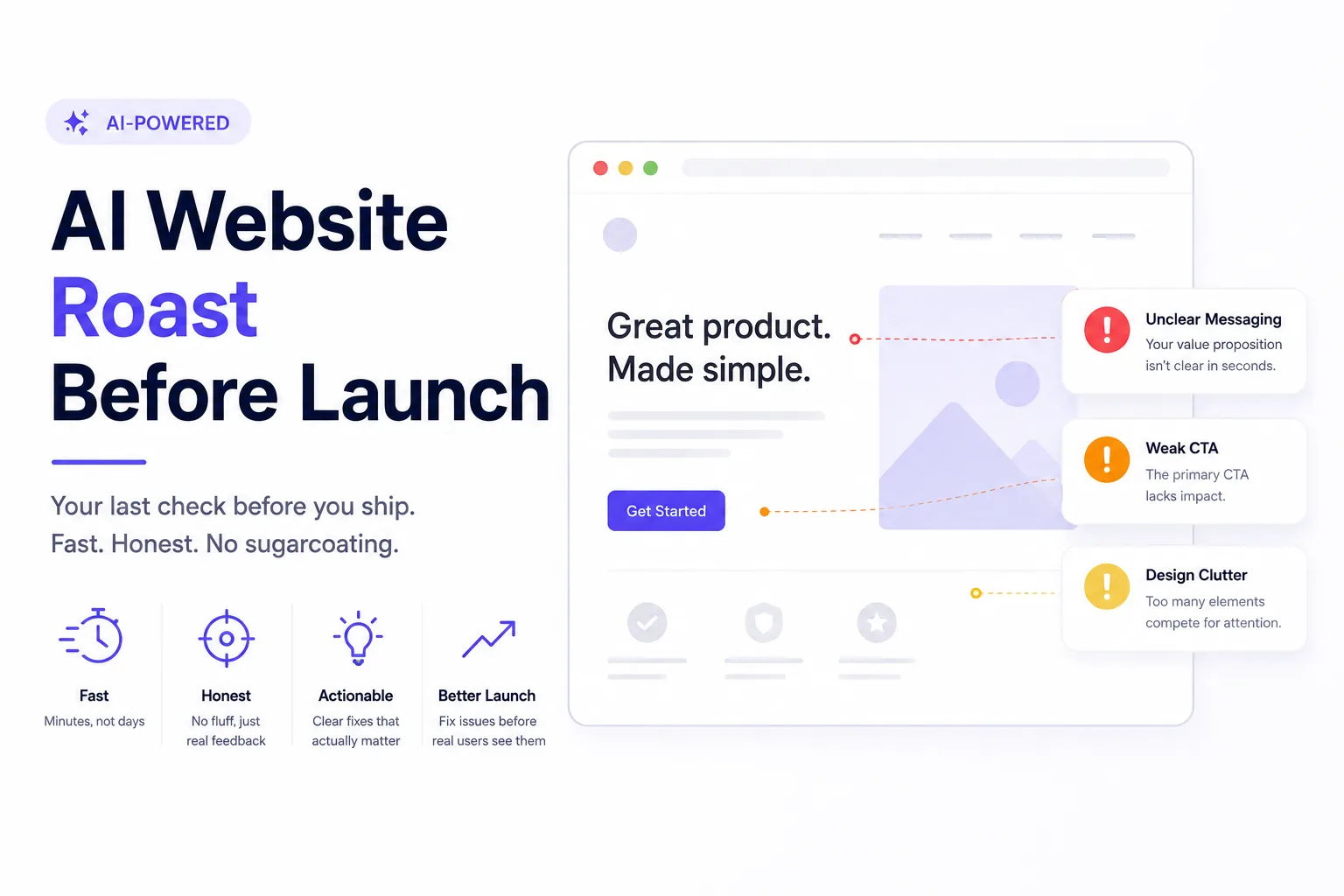
You’ve polished the copy. You’ve tested the buttons. You’ve stared at your homepage so many times it doesn’t even look real anymore. That’s exactly the problem, and it’s why an ai website roast before launch has become the last checkpoint smart teams refuse to skip. It’s a fast, honest, no-feelings-attached review that catches the stuff your tired eyes can’t see anymore: confusing layouts, weak calls-to-action, slow load times, or a value proposition that doesn’t actually land. Before you hit publish, let’s talk about why this final gut-check matters, and how to do it right.
Why Your Own Eyes Can’t Catch Everything
Here’s the honest truth: once you’ve built something, you know it too well. You know why the button is placed where it is. You know what the vague headline “actually” means. Your visitors don’t have that context. They land on your site cold, with zero patience and about eight seconds to decide if they’ll stay.
This is called the “curse of knowledge,” and it affects every founder, designer, and marketer who’s ever shipped a product. You literally cannot see your site the way a stranger sees it, because you’re not a stranger to it anymore.
That’s where a pre-launch roast comes in. Not a polite review. A roast. Something that pokes at the weak spots without worrying about hurting your feelings.
What Exactly Is an AI Website Roast?
An AI website roast is a quick, automated critique of your site, usually covering design, messaging, usability, and sometimes technical performance. You feed it your URL, and it comes back with blunt, specific feedback: what’s confusing, what’s outdated, what’s actively pushing visitors away.
Think of it as a brutally honest friend who happens to have seen thousands of websites and knows exactly what converts and what doesn’t.
How It’s Different From a Regular Website Audit
Traditional audits often take days and cost real money. They’re thorough, sure, but they’re built for deep technical or SEO overhauls, not a same-day sanity check before launch.
An AI-powered roast, on the other hand, is built for speed:
- It runs in minutes, not days
- It focuses on first impressions and usability, not just technical SEO
- It gives you plain-language feedback instead of a 40-page PDF
- It’s repeatable: you can run it again after every change
This makes it the ideal final step, not a replacement for deeper audits, but a sharp, fast filter that catches the obvious misses before real users do.
What a Good Pre-Launch Roast Actually Checks
Not all feedback tools look at the same things. A solid pre-launch roast should evaluate:
- First impressions: does the homepage explain what you do within seconds?
- Visual hierarchy: is it obvious where to look first, second, third?
- Messaging clarity: is your value proposition specific, or just marketing fluff?
- Call-to-action strength: is it clear what you want the visitor to do next?
- Mobile experience: does it actually work on a phone, not just look fine on a laptop screen?
- Trust signals: testimonials, credentials, or anything that makes a stranger believe you’re legit
- Loading speed and friction points: anything that makes visitors bounce before they even see your pitch
If a tool only checks keywords or meta tags, it’s not really roasting your site. It’s just running a checklist.
The Unique Advantage: Catching Problems Users Won’t Tell You About
Here’s something most people miss: your actual users almost never tell you what’s wrong. They just leave. No feedback form, no email, no explanation, just a quiet bounce and a closed tab.
An AI roast fills that silence. It behaves like an impatient, unbiased first-time visitor and says out loud what real users are thinking but never typing into a contact form. That’s the real value. It’s not about grammar checks or spacing issues, it’s about surfacing the invisible reasons people leave without telling you why.
How to Use an AI Roast the Right Way
Getting harsh feedback is only useful if you act on it correctly. Here’s a simple approach:
- Run it before you think you’re ready. Don’t wait until launch day. Run it a week early so you have time to fix things.
- Separate opinion from pattern. If it flags one small thing, note it. If it flags the same issue three different ways (confusing CTA, unclear headline, weak hierarchy), that’s a real pattern worth fixing.
- Fix the biggest friction points first. Not every suggestion needs action. Prioritize anything that blocks understanding or action.
- Re-roast after changes. Feedback isn’t a one-time thing. Run it again to confirm your fixes actually worked.
If you want to try this yourself, BugSmash’s Roast My Website tool does exactly this: a free, fast, no-fluff critique built specifically for this last-mile check before you ship.
FAQ Section
Is an AI website roast the same as a UX audit?
Not exactly. A UX audit is usually deeper, slower, and often done by a human expert. An AI roast is faster and more surface-level, designed for a quick pre-launch gut-check rather than a full redesign strategy.
How often should I roast my website?
At minimum, before every major launch or redesign. Many teams also run one every few months to catch anything that’s gone stale, especially messaging that no longer matches the product.
Will an AI roast hurt more than it helps?
Only if you ignore the patterns and fixate on single opinions. Used correctly, it’s one of the fastest ways to catch blind spots before real visitors do.
Can this replace real user testing?
No, think of it as a filter, not a finish line. It catches the obvious misses fast, but real user testing still matters for deeper behavioral insight.
Conclusion
Shipping a website is exciting, but excitement makes bad reviewers. Before you hit launch, get feedback from something that has no emotional attachment to your work and no reason to be nice about it. An AI roast won’t replace real user research, but it will catch the obvious stuff (the confusing headline, the weak CTA, the cluttered layout) before your actual visitors quietly bounce. Run the roast, fix what matters, and launch with a little more confidence.



Leave a Reply