
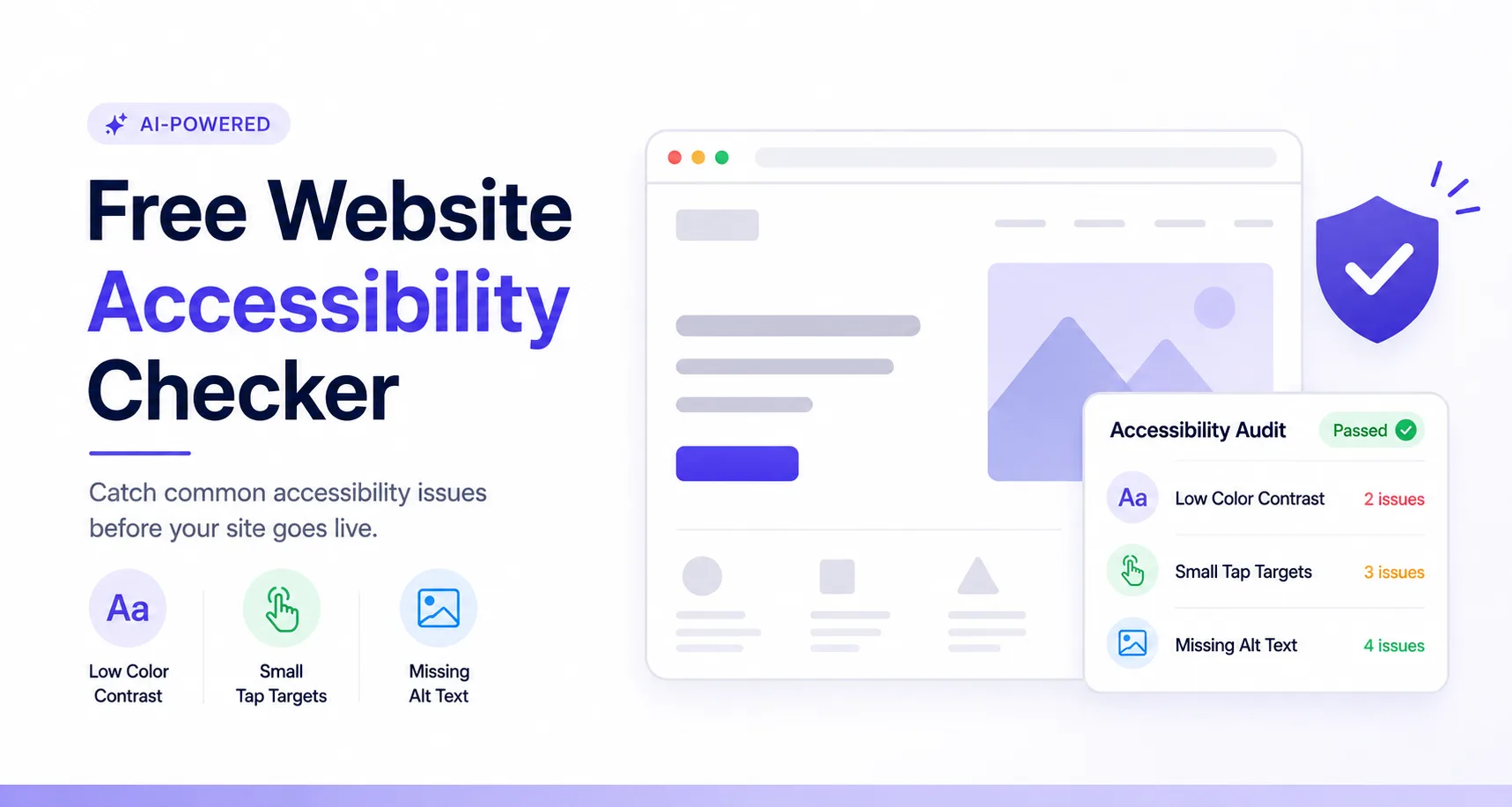
BugSmash is a visual feedback and review tool that agencies and teams use to collect comments on live websites, videos, PDFs, and more. Built into that platform is a free website accessibility checker — an AI Reviewer that scans your site for three specific issues: low color contrast, tap targets that are too small, and missing alt text. It’s not a full WCAG compliance audit, and it doesn’t pretend to be. It’s a fast, built-in sanity check that catches common accessibility slip-ups before a client, teammate, or real visitor ever runs into them.
What BugSmash Actually Is
Before getting into the audit itself, it’s worth being clear about what BugSmash is — because it’s not a dedicated accessibility tool first and foremost.
BugSmash is a review and feedback platform. Teams and agencies use it to pin comments directly on live websites, videos, PDFs, images, slide decks, emails, and mobile apps, so clients and stakeholders can leave feedback without logging in or digging through email threads. It replaces the usual chaos of screenshots, Word docs, and back-and-forth chats with one shared link where everyone can comment in context.
Inside that platform, BugSmash offers Custom AI Reviewers — AI personas that check your work automatically before a human even looks at it. One of those personas is the Accessibility Audit.
What the Free Accessibility Audit Checks
This is where the free website accessibility checker keyword actually earns its place. The Accessibility Audit persona reviews your site or design and flags three things:
- Low color contrast — text or elements that don’t stand out enough against their background, making them hard to read for people with low vision or color blindness
- Small tap targets — buttons, links, or icons that are too small to reliably tap or click, which affects mobile users and anyone with limited fine motor control
- Missing alt text — images without a text description, which means screen reader users get nothing useful when they reach that part of the page
That’s the full, verified scope of what this specific check covers today. It runs alongside two sibling AI Reviewers — a UI/UX Review persona (catching misaligned elements and inconsistent spacing) and a Copy & Spell Check persona (catching typos and off-brand tone) — so accessibility isn’t checked in isolation. It’s one lens in a broader automated review pass.
Why Contrast, Tap Targets, and Alt Text Specifically
These three checks aren’t random. They’re three of the most common — and most fixable — accessibility failures on the web, and they happen to be the kind of thing an AI reviewer can catch reliably just by looking at a rendered page:
- Contrast issues are purely visual, so they’re easy to detect automatically
- Tap target size is a layout measurement, not a judgment call
- Missing alt text is a simple presence-or-absence check in the page’s code
Deeper accessibility issues — like whether your site works properly with a screen reader end-to-end, or whether keyboard navigation follows a logical order — usually need manual testing with real assistive technology. BugSmash’s audit isn’t built to catch those, and it’s more useful if you know that going in.
How It Fits Into Your Review Workflow
The real value of this feature isn’t that it’s the most exhaustive accessibility scanner out there — it’s that it’s already sitting inside a tool your team may be using anyway for design and website reviews.
If you’re already sharing a BugSmash link with a client for feedback on a new site or landing page, the Accessibility Audit runs as part of that same pass. You get a heads-up on contrast, tap targets, and alt text right alongside the usual design and copy feedback, instead of running a separate tool and switching context.
BugSmash is free to start (no credit card required), works directly in the browser or via a Chrome extension, and doesn’t require the person leaving feedback to sign up or create an account.
Our Take: Small, Honest Checks Beat a Report Nobody Reads
A lot of “free accessibility audit” tools hand you a 40-item report full of jargon that gets skimmed once and forgotten. BugSmash’s approach is narrower on purpose — three checks, embedded in the workflow your team already uses to review work before it ships. That’s a trade-off, not a shortcut: you’re not getting a compliance certificate, but you are far more likely to actually fix the contrast issue or add the missing alt text, because it shows up right where you’re already looking, not buried in a separate report.
FAQ
Is BugSmash’s accessibility checker free?
Yes. It’s part of BugSmash’s AI-powered feedback features, and BugSmash offers a free way to get started with no credit card required.
What exactly does the Accessibility Audit check for?
Three things: low color contrast, tap targets that are too small, and missing alt text on images.
Does this replace a full WCAG accessibility audit?
No. It’s a fast, automated first-pass check on common visual and structural issues. Full WCAG compliance typically requires manual testing with real assistive technology in addition to automated checks like this one.
Do I need to install anything to use it?
BugSmash works in the browser and also offers a Chrome extension, so you can review live websites without a separate install for basic use.
Can clients or teammates see the accessibility feedback too?
Yes — since the audit runs inside BugSmash’s shared review links, anyone with access to the review can see the flagged issues alongside other comments, without needing to sign up.
Conclusion
BugSmash’s free website accessibility checker isn’t trying to be a complete compliance solution — and that’s actually its strength. By focusing on three concrete, common issues (contrast, tap targets, and alt text) and running the check inside a review workflow teams already use, it turns accessibility from a separate chore into a normal part of reviewing any website before it goes live. If you want deeper WCAG coverage, you’ll still want manual testing on top of it — but for catching the everyday mistakes that quietly shut people out of your site, it’s a genuinely useful first pass.as a chance to make your site work better for everyone who visits it.



Leave a Reply