
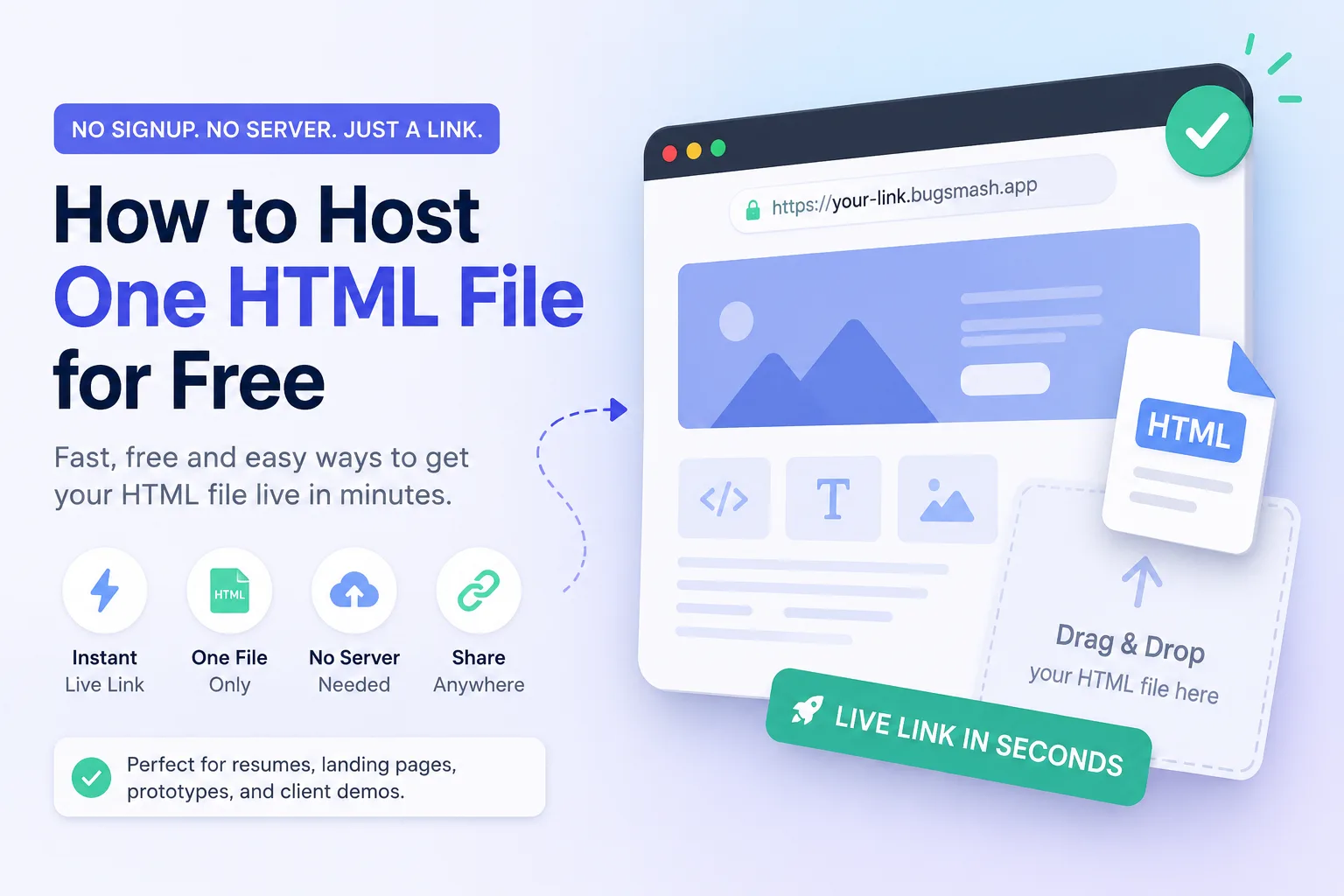
Here’s How to Host One HTML File for Free in Minutes
You built a single HTML file — maybe a resume, a landing page, a quick prototype, or a fun side project — and now you just need a link you can share. You don’t want to spin up a server, buy hosting, or create yet another account you’ll forget the password to. Good news: figuring out how to host one HTML file for free takes less time than making a cup of coffee. Tools like CodePen, GitHub Pages, Netlify, and Bugsmash Drop let you drag, drop, and get a working link almost instantly. In this guide, we’ll walk through the fastest no-signup options, a few signup-required alternatives worth the extra step, and the small mistakes that trip people up.
Why Hosting a Single HTML File Feels Harder Than It Should
Here’s the weird thing: hosting a full website has gotten easier over the years, but hosting one file somehow still feels confusing. Most tutorials assume you’re deploying an entire app with a build process, a database, and a domain name. That’s overkill when all you need is a live link for a single page.
The truth is, a lone HTML file doesn’t need a real server at all. Browsers can render HTML directly, so all you really need is somewhere on the internet to store that file and hand out a URL. That’s it. Once you reframe the problem this way, the solution gets a lot simpler.
Option 1: Instant Hosting With No Signup Required
If speed is your priority, these tools let you paste code and get a link almost immediately.
CodePen or JSFiddle
Both platforms let you paste raw HTML, CSS, and JavaScript into an editor and instantly preview it live. You get a shareable URL right away, and neither requires an account for basic use.
- Best for: quick demos, prototypes, and sharing code snippets with clients or teammates
- Downside: the link often shows the editor, not just the raw page, unless you use their “full page” view option
tiiny.host
This one is built specifically for the “I have one file, give me a link” use case. You drag your HTML file onto the page, and it hosts it for free with a temporary link, no account needed.
- Best for: sharing a mockup or single-page site fast
- Downside: free links usually expire after a set number of days unless you upgrade
HTML Preview Tools
Sites like htmlpreview.github.io can render an HTML file straight from a GitHub URL without you needing to set up GitHub Pages formally. It’s a neat workaround if your file is already sitting in a public repo.
Option 2: Free Hosting That Takes 5 Extra Minutes (But Lasts Longer)
If you want a link that doesn’t expire, a tiny bit of setup goes a long way.
GitHub Pages
Upload your HTML file to a GitHub repository, flip on GitHub Pages in the settings, and you’ll have a permanent, free URL. It does require a free GitHub account, but once it’s set up, it just works — no renewals, no expiration dates.
BugSmash Drop
If you’re looking for something closer to the “drop a file, get a link” experience but also need to show the page to someone for review, BugSmash Drop is worth considering. You can upload an HTML file or zipped static site and get a live shareable preview without signup, a credit card, or server setup.
The useful part is what happens after you get the link. You can use the live page for client demos, design reviews, handoffs, or staging, and collect visual feedback directly on the page instead of sending screenshots back and forth.
- Best for: client previews, prototypes, handoffs, and collecting feedback on live pages
- Downside: it’s more focused on review and collaboration than traditional long-term website hosting
Netlify Drop
Netlify Drop lets you literally drag a folder or file onto their webpage and get a live URL in seconds. You can use it without an account for a temporary link, or sign up free to make it permanent and get a custom subdomain.
Vercel or Cloudflare Pages
Both offer generous free tiers for static files. They’re slightly more setup than Netlify Drop, but they’re rock-solid if you plan on updating the file later or connecting a custom domain down the line.
A Few Things Worth Knowing Before You Pick a Tool
- Temporary links are fine for quick shares but risky for anything you’ll reference later, like a resume link on a job application.
- Some free hosts add their own branding or a small watermark to the page.
- If your HTML file references images or scripts, make sure those files are included in the upload; a single file host won’t fetch outside assets that live only on your computer.
- Custom domains almost always require a free account, even on otherwise no-signup tools.
- Check file size limits. Most free single-file hosts cap uploads well under 5MB, which is plenty for plain HTML but worth checking if you’ve embedded large images.
Our Take: Match the Tool to How Long You Need the Link
Most guides on this topic just list five tools and call it a day. Here’s the part that actually matters: the right choice depends entirely on your timeline, not just which tool is “best.”
If you need a link for the next hour to show a client something on a call, a no-signup drag-and-drop tool is perfect — don’t waste time creating an account for something disposable. But if that HTML file is a portfolio piece, a resume, or anything you’ll link to from LinkedIn or a job application, spend the five minutes setting up GitHub Pages or Netlify with a real account. A broken or expired link at the wrong moment costs you more time than the setup ever would have.
FAQ
Can I host an HTML file for free without any account at all?
Yes. Tools like tiiny.host, Netlify Drop, and CodePen let you generate a live link without signing up, though some of these links are temporary.
Will a free HTML host work forever, or does the link expire?
It depends on the tool. No-signup options often expire after a few days. Signup-based options like GitHub Pages or a free Netlify account typically stay live indefinitely.
Can I use a free single-file host for a real website?
For a simple one-page site, absolutely. If you plan to add more pages, forms, or a custom domain later, GitHub Pages or Netlify are better long-term picks than the instant no-signup tools.
Do these free hosting options support CSS and JavaScript, or just HTML?
Most support all three. As long as your CSS and JS are either inline in the file or uploaded alongside it, they’ll render normally.
Wrapping Up
Getting a live link for a single HTML file doesn’t need to involve servers, terminals, or hosting bills. Whether you grab a quick, temporary link from a no-signup tool or spend five minutes setting up something permanent on GitHub Pages, you’ve got options for every situation. Pick based on how long you actually need that link to stick around, and you’ll save yourself the trouble of doing this twice.



Leave a Reply