
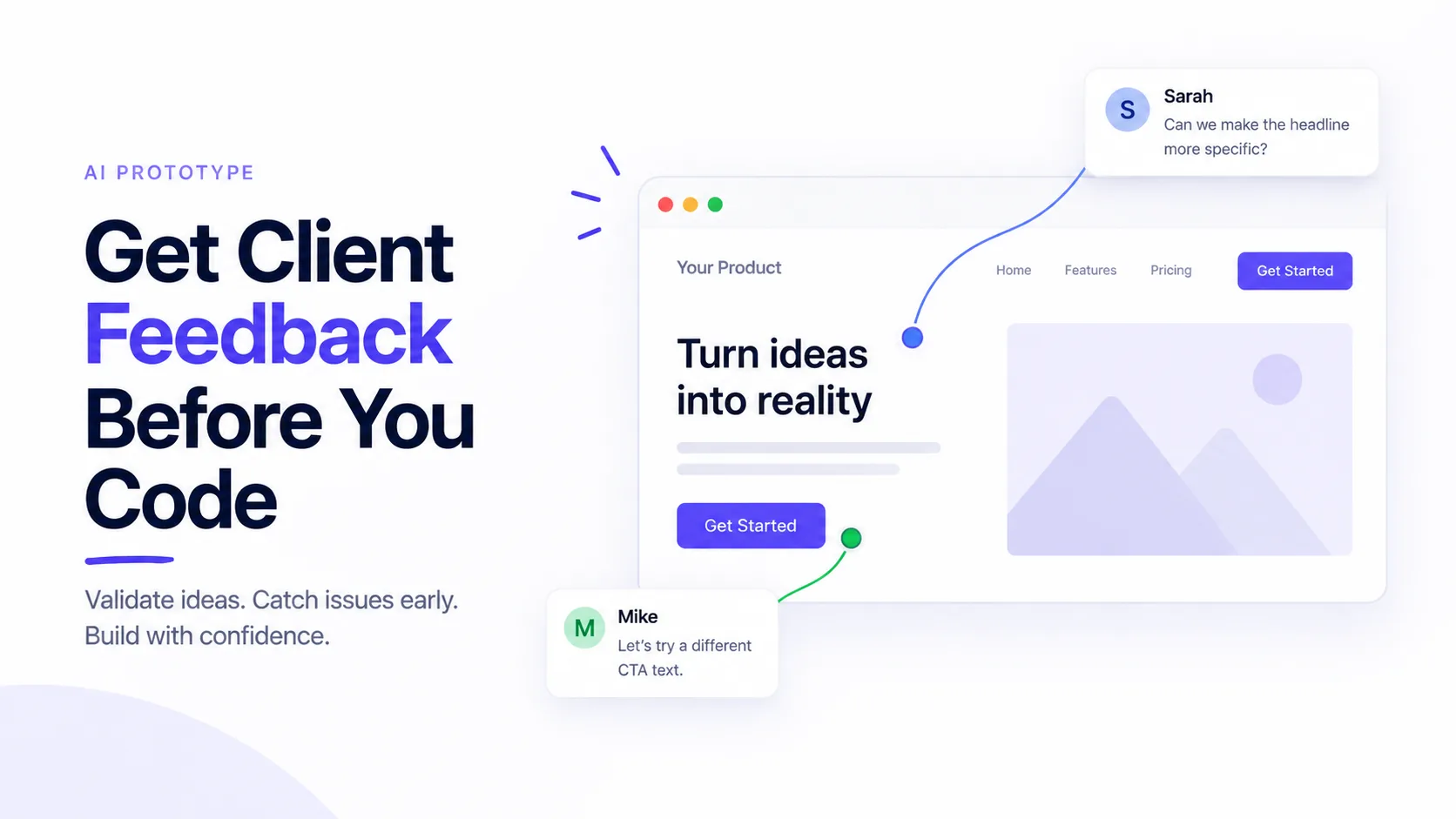
The workflow just flipped. A year ago, “prototype” meant a static Figma file with a few clickable hotspots. Today, you can describe a product to Claude, Lovable, v0, or Bolt and watch a working version load in your browser three minutes later. That’s a real shift — but it leaves one gap most teams haven’t figured out yet: how do you get useful AI prototype feedback from a client before you turn any of that into production code?
This post walks through why that gap exists, what “good feedback” on an AI-built prototype actually looks like, and a practical workflow you can steal for your next project. The short version: build fast, share faster, collect feedback exactly where the reviewer is looking, and only start writing real code once the client has pointed at the button they want moved.
Why AI Prototypes Changed the Review Game
For years, the client review cycle looked the same. Designers built mockups. Clients reviewed screenshots. Developers translated approved static images into working code. Then the client saw the app “live” for the first time and asked why the header felt smaller than they expected.
AI builders skipped a whole layer of that. A prototype from Claude or Lovable isn’t a picture of an app — it’s an app. Buttons click. Forms accept input. Layouts respond to screen size. When a client sees this version, they’re reacting to how it feels, not guessing from a flat image.
That matters because most weak prototype feedback isn’t the client’s fault. It’s the format’s fault. Ask someone to imagine a static screen in motion and they’ll give you polite, low-signal notes. Show them the real thing and the notes get specific.
The Problem Nobody Warned You About
Building an AI prototype takes minutes. Sharing it well is the part that trips teams up. A few common traps:
- You screen-record the prototype and send an MP4. The client watches once and forgets what they wanted to say.
- You deploy it to a real hosting environment “just to show someone.” Now you’ve spent two hours on infrastructure for a throwaway build.
- You paste the code into a Slack thread. The client is a marketing director. They close Slack.
- You screenshot each screen and mark it up in Figma. Congratulations, you’ve rebuilt the exact workflow you were trying to escape.
None of these give you feedback tied to the specific spot the client was looking at — which is the only kind that saves engineering time later.
What Good AI Prototype Feedback Actually Looks Like
Useful feedback on an early build has three qualities. Miss any one and you’ll pay for it in rework.
- Anchored to a specific element. “The pricing card feels cramped” beats “the pricing page is off.”
- Captured in context. You need to know the reviewer’s browser, screen size, and view state when they commented. A note that makes sense on desktop can be nonsense on a phone.
- Easy to leave without an account. If the reviewer has to sign up for a tool, most of them will just email you three vague bullet points instead.
This is the space visual review tools like BugSmash sit in. Instead of a call where notes get lost, the client opens a link, clicks on the exact element they want to talk about, and drops a comment. Every note stays pinned to the pixel it belongs to.
A Workflow You Can Actually Use
Here’s a simple loop that works for teams shipping AI-built prototypes right now.
Step 1: Build the prototype in whatever AI tool you like
Claude, Lovable, v0, Bolt — pick the one you’re already comfortable with. Focus on the core flows, not polish. If the client can’t tell the difference between button styles at this stage, you shouldn’t be worrying about them either.
Step 2: Get the prototype to a shareable URL
If the prototype only lives inside a chat window, it isn’t shareable. Publish it — as a hosted artifact, a preview link, or a deploy on any lightweight host. The client should be one tap away from a working version, not five instructions deep in a tutorial.
Step 3: Share the link through a feedback layer
Drop the URL into a visual review tool that overlays comments on top of the live prototype. This is where BugSmash earns its keep — clients pin comments to exact elements on the working page, no account required, and each note carries the context you need to act on it.
Step 4: Sort feedback into “changes the code” vs “changes the look”
Not every comment deserves an engineering ticket. Group notes into three buckets: structural (change the flow), functional (change what the feature does), and cosmetic (change how it looks). Only the first two should influence code decisions before you start the real build.
Step 5: Update the prototype, not the codebase
Take the feedback back into the AI tool and iterate. Share the new link. Repeat until the client stops finding structural issues. Then — and only then — start writing production code.
What to Ask the Client Before They Open the Link
Reviewers do better work with a small nudge. Try these prompts:
- “Click on anything that feels confusing on first glance.”
- “Where would you expect this button to take you?”
- “What’s missing that you’d need before showing this to your own team?”
- “Is there a screen here you’d remove entirely?”
Prompts like these push the client past “looks good” and into feedback that changes what you actually build.
Mistakes to Avoid
- Sharing raw code. Non-technical clients won’t run it. Skip this step every time.
- Skipping the mobile check. Half your users are on phones. Half your AI prototype bugs live on phones.
- Treating the first prototype as the last. The point of AI is cheap iteration. Use it.
- Ignoring silent reviewers. If a stakeholder hasn’t commented, ask them directly. Silence isn’t approval.
FAQ
How many rounds of AI prototype feedback should I plan for?
Two to three usually gets you to a build-ready spec. More than four suggests the brief was too vague to start with.
Do clients need technical knowledge to review an AI-built prototype?
No — and that’s the point. If your feedback tool requires them to understand deploys or repos, switch tools.
Can I collect feedback on a prototype hosted inside Claude itself?
Yes, but you’ll get sharper results by publishing it to a public URL and layering a visual review tool on top so comments stick to specific elements.
Isn’t this just Figma with extra steps?
Figma does let reviewers comment inside prototypes now, but those prototypes are still simulations — clickable hotspots the designer wired up ahead of time. AI-built prototypes are actual running code with real form inputs and real behavior. The difference shows up the moment the client tries something the designer didn’t anticipate.
When should I stop iterating on the prototype and start coding?
When two review rounds in a row surface only cosmetic notes. That’s the signal the structure is stable enough to build for real.
The Takeaway
AI has made the “build it and see” stage almost free. The bottleneck isn’t creation anymore — it’s collecting focused feedback fast enough to keep up with how quickly the prototype changes. Get that loop right and you’ll ship a lot less code that ends up in the trash.
Build the prototype. Share the link. Let the client point at what’s wrong. Then code.



Leave a Reply