
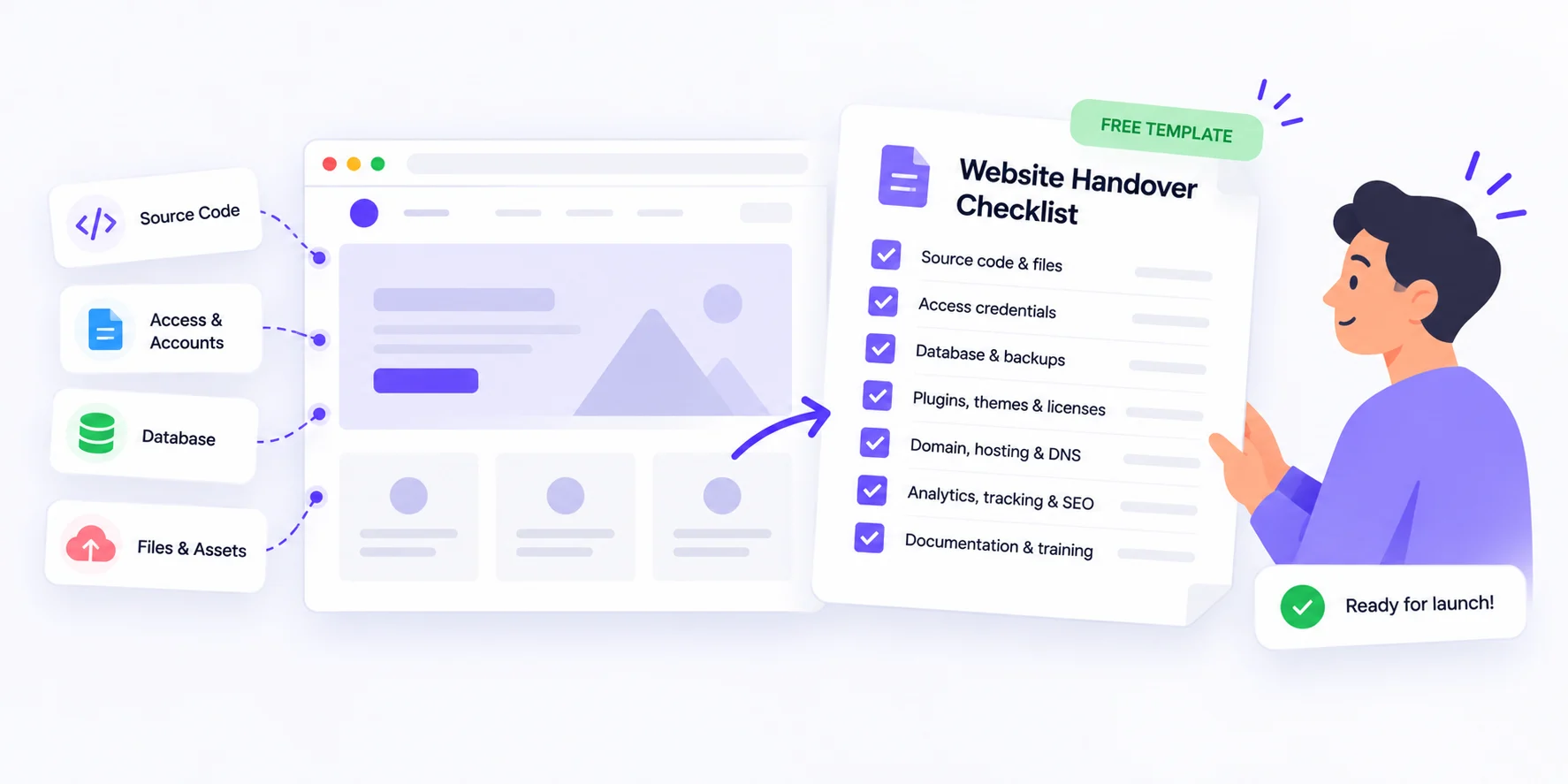
A website handover checklist is the list of everything your client needs to own, run and fix their new site without you. At launch, give them five things in writing: account access in their name, a map of how the site is built, backup and security details, a record of what they approved, and a clear support plan.
That’s the quick answer. Below, you’ll find why handovers go wrong, a free copy-paste template, and a step-by-step plan for the handover meeting itself.
TL;DR
- Transfer ownership of the domain, hosting and analytics. Don’t just share your passwords.
- Hand over a written record of every approval, not only the files.
- Agree on a fixed support window and show the client how to report bugs.
- Run a short handover meeting where the client logs in to every account themselves.
Why most website handovers go wrong
Handovers often go wrong when the agency sees launch as the finish line, while the client sees it as day one. The gaps show up months later. The domain expires because the renewal email went to a former freelancer. Nobody knows the hosting login. A new marketing manager asks who approved the homepage banner, and no one can say.
Here’s a simple way to judge your handover. Call it the walk-away test: if your team vanished tomorrow, could the client still do these three things?
- Keep the site online and renewed
- Prove what was agreed and signed off
- Get a bug reported and fixed
If any answer is no, the handover isn’t finished, no matter how good the site looks.
Your website handover checklist (free template)
Copy the list below into a doc or your project tool. Delete what doesn’t apply, then fill in the details for each client. It’s grouped into five bundles so nothing slips through.
1. Keys: access and ownership
- Domain registrar login, renewal date and auto-renew status, all in the client’s name
- Hosting account login, plan details and renewal date
- A CMS admin account for the client, not a shared login
- DNS settings and who manages them
- SSL certificate details and how it renews
- Analytics, Search Console and tag manager, with the client as owner
- Third-party services: payment gateway, forms, maps, and plugin or theme licenses
2. Map: how the site is built
- Page list or sitemap
- Theme, page builder and plugin list
- Code repository access for custom builds
- Font, image and icon licenses
- Brand assets: logo files, color codes and source design files
3. Safety net: backups and security
- A full backup taken on launch day
- Backup schedule, storage location and restore steps
- Who updates the core software and plugins, and how often
- Security, firewall and uptime monitoring settings
4. Record: what was approved
This bundle is the easiest to overlook. Months later, when someone says “we never asked for that,” a clear approval record settles it quickly.
If you collected feedback in BugSmash, the record already exists. Comments stay pinned to the exact spot on the live website, you can compare versions, and on the Starter plan and above, the client can mark their approval right on the work. Add the review link to the handover pack.
- Final approved version and sign-off date
- Open requests moved to a later phase
- Launch QA notes: broken links, accessibility and mobile checks (BugSmash’s built-in AI reviewers can flag the first two before launch)
5. Manual and support: life after launch
- A short how-to guide or screen recordings for common edits
- Support terms: warranty window, response times, and what counts as a bug versus new work
- How to report a bug, and who to contact
- One renewal calendar for the domain, hosting and licenses
How to run the handover meeting, step by step
Block out about an hour and follow these steps in order.
- Send the pack 48 hours early. The client can read it and come with questions.
- Have the client log in live. They sign in to every account during the call. Reset any login that fails right there.
- Transfer ownership, don’t share passwords. Move the domain, analytics and Search Console to the client’s own accounts. Then cut your access down to what your support agreement needs.
- Let them make three common edits. Pick the ones they’ll do most, such as updating text, swapping an image or publishing a post. Watch, don’t drive.
- Show them how to report a bug. Keep the BugSmash feedback widget on the site during the support window. The client’s team can report issues from the page itself, and each report arrives with a screenshot plus browser, OS and screen-size details. No more “the button is broken” emails with zero context.
- Confirm the support window in writing. Send a short summary the same day, with the end date and upcoming renewal dates.
Small extras clients remember
- Add calendar reminders 30 days before the domain and hosting renew.
- Book a 30-day check-in call before you leave the handover meeting.
- If your developers use AI coding agents, connect BugSmash over MCP. The agent can read open comments, ship the fix and push a new version back for approval, once write access is turned on for your workspace. MCP is included on the Free plan and above.
FAQs
What should a website handover checklist include?
Account access in the client’s name, a record of how the site is built, backup and security details, approval records, and a support plan. The template above covers all five.
Who should own the domain and hosting?
The client. Register both in their name with their email, even if your team manages them day to day. It protects them if you ever part ways.
Should I give the client my admin login?
No. Create a separate admin account for them. Shared logins make it hard to track changes or remove access later.
How long should post-launch support last?
There’s no fixed rule. A fixed window, such as two to four weeks, keeps expectations clear. Whatever you choose, write down what’s covered and when it ends.
Do clients need an account to report bugs after launch?
Not with BugSmash. On public projects, guests can comment and annotate through a shared review link, or report issues through the on-site widget, without signing up. They just add their name.
Conclusion
A website handover isn’t a zip file and a thank-you email. It’s the moment your client becomes the real owner of the site. Use the template, run the walk-away test, and keep every approval in one place. If you want feedback, sign-offs and post-launch bug reports in one place, try BugSmash free, then check which plan includes approvals on the pricing page.



Leave a Reply