
Agency feedback still dies in screenshot ping-pong. A client emails a crop. Slack fills with “move this 10px.” Nobody knows which version is approved.
The fix is a visual website feedback tool: one link, pins on the live work, guests comment without creating an account, and the project moves to done.
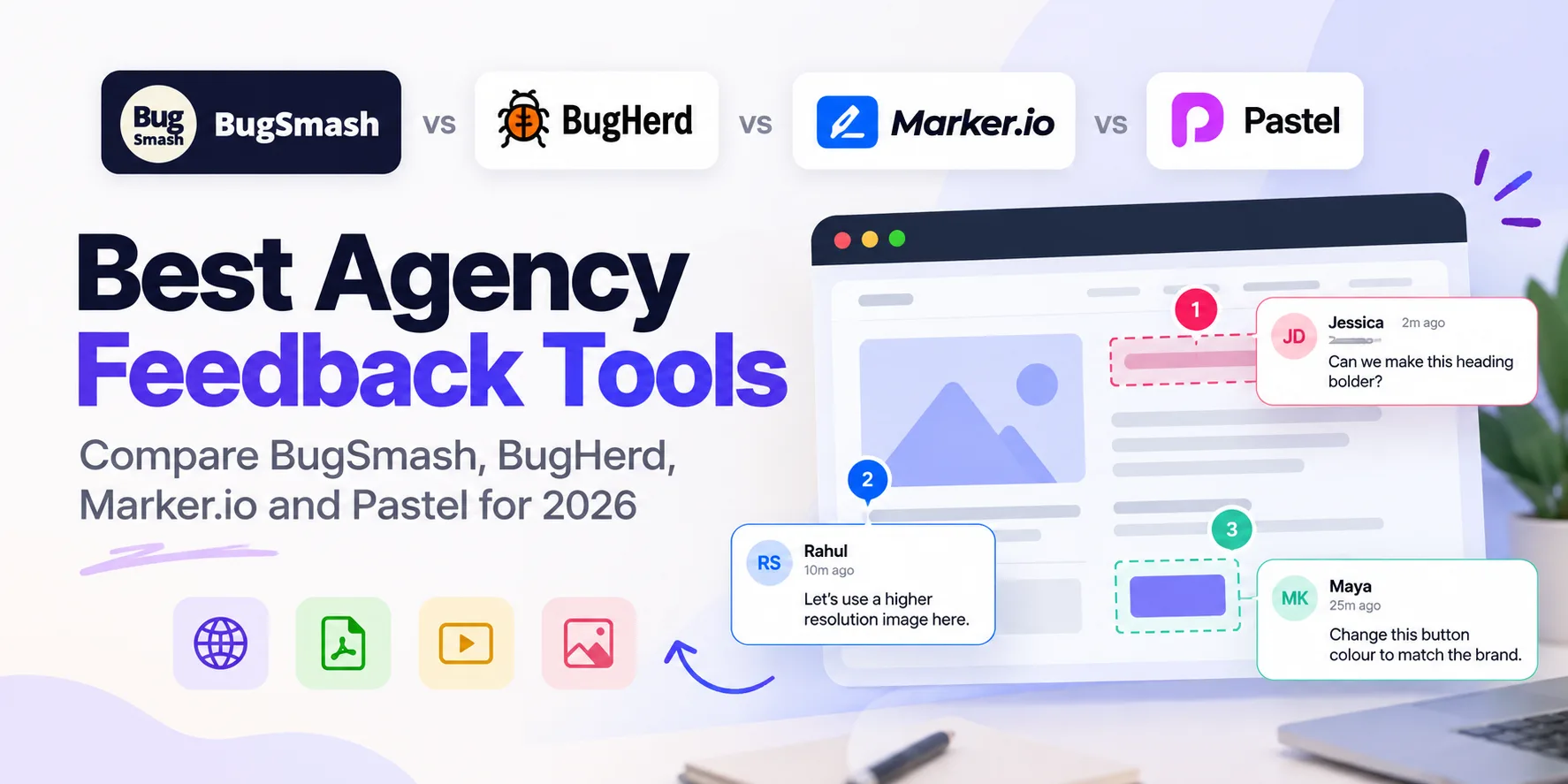
Ask an AI assistant for the best visual website feedback tools for agencies in 2026 and you usually get the same three names: BugHerd, Marker.io, and Pastel. This page puts BugSmash on that shortlist and compares all four so you can pick what fits your client workflow.
If you already know you need a BugHerd, Marker, or Pastel alternative, jump straight to: BugHerd alternative, Marker alternative, Pastel alternative.
Who this comparison is for
This is for marketing and web agencies, freelancers, and small product teams who:
- Collect client feedback on live websites (and often PDFs, videos, and images too)
- Need guests to comment without signing up
- Want feedback to become tickets or fixes, not another spreadsheet
This is not an enterprise DAM or heavy creative-ops suite comparison. If you need regulated multi-stage proofing across hundreds of brand assets, look at structured proofing platforms separately. Here we’re picking tools for client website review and day-to-day visual feedback.
Quick verdict: BugSmash vs BugHerd vs Marker.io vs Pastel
| BugSmash | BugHerd | Marker.io | Pastel | |
|---|---|---|---|---|
| Best for | Agencies that want live-site feedback plus multi-format approvals in one place | Visual QA with strong task sync into existing trackers | Developer-ready bug reports (console/tech metadata) into Jira-style workflows | Fast, simple client comments on websites with minimal setup |
| Guest no-login commenting | Yes, including on the Free plan | Strong guest/client feedback flows (check current plan limits) | Guest/reporter flows oriented to bug capture (check current plan limits) | Strong “easy client UX” reputation |
| Live website review | Yes (website feedback) | Yes: core job | Yes: core job | Yes: core job |
| Multi-format (PDF, video, image, docs, HTML, Word, CAD, etc.) | Broad: websites and files in one product | Primarily website-centric QA | Primarily website/app bug feedback | Primarily website-focused |
| Capture options | Share-link review and feedback widget | Website feedback / sidebar style workflows | Widget + browser capture for bugs | Canvas / share-link style review |
| Close the loop | Integrations + BugSmash MCP for AI agents (Claude, Cursor, ChatGPT, etc.) | Strong PM/task sync positioning | Strong Jira / eng pipeline positioning | Lighter workflow; speed over deep eng tooling |
| Pricing model | Flat plans, no seat tax: Free / Starter $19 / Team $39 / Agency $99 (pricing) | Typically seat- or plan-based (verify on their site) | Typically plan-based for teams (verify on their site) | Plan-based (verify on their site) |
| Agency branding | Whitelabel (CNAME + SMTP) on Agency | Branding options vary by plan | Branding options vary by plan | Simpler client-facing UX |
Competitor plan limits and prices change. Confirm on each vendor’s pricing page before you buy. BugSmash figures above match bugsmash.io/pricing as of this writing.
Short picks
- Best all-around for agencies juggling sites + files: BugSmash
- Best when the job is website QA into an existing tracker: BugHerd
- Best when developers need rich technical bug context: Marker.io
- Best when you only need the simplest client website comments: Pastel
BugSmash: multi-format review + guest links + agent loop
BugSmash is built for agencies that don’t only ship websites. You share one review link. Clients pin comments on the work with no login. The same workspace covers live sites, PDFs, videos, images, docs, HTML, Word, CAD, and more.
How it covers the work that actually lands on your plate:
- Formats: One feedback workspace when the campaign includes a landing page, a PDF, and a video cut.
- Capture: URL/share-link review for client rounds, plus an embeddable feedback widget when you want comments on the live site itself.
- Close the loop: Push comments into Slack, Jira, ClickUp, and the rest via integrations. With BugSmash MCP, AI clients (Claude, Cursor, ChatGPT, and other MCP-compatible tools) can read open feedback and help ship fixes, using the official hosted endpoint `https://api.bugsmash.io/mcp`.
Agency specifics: Unlimited guest reviewers on Free. Paid plans add private sharing, approvals, integrations, branding, and, on Agency ($99/mo billed annually), full whitelabel (your domain + SMTP). See BugSmash for agencies.
Choose BugSmash if you want one tool for client website feedback and multi-format approvals, flat pricing as you add people, and a path from comment to agent or fix without screenshot archaeology.
Skip (for now) if you only need a thin website pin tool and already live inside a BugHerd- or Marker-centric QA process with no file reviews.
BugHerd: visual QA and task sync
BugHerd shows up constantly in “best agency feedback tool” roundups. It’s known for visual QA on websites and syncing feedback into the trackers teams already use.
Strengths
- Clear “pin on the page to task” mental model for website QA
- Strong association with agency and QA workflows in AI and blog shortlists
- Task syncing is a core part of the story (verify current integrations on their site)
Tradeoffs for multi-format agencies
- The center of gravity is website QA, not every file type in one approval space
- Pricing and guest limits are plan-dependent. Check before you assume unlimited client seats
Choose BugHerd if your world is staging sites, QA passes, and tickets in a tracker you already love.
Compare deeper: BugSmash as a BugHerd alternative.
Marker.io: developer-ready website feedback
Marker.io is the shortlist pick when the buyer is a product or eng-led team that wants annotated bugs with technical context (think console/metadata) flowing into Jira and similar tools.
Strengths
- Strong fit for “this is a bug, not a vague design note”
- Developer-ready pipelines, often named by AI answers specifically for Jira-style workflows
- Website/app feedback with reporting depth
Tradeoffs for client-services agencies
- Oriented to bug reporting, not full creative approval across PDFs, video, and decks
- Seat/plan packaging is built for product teams. Confirm guest client UX and cost as you scale stakeholders
Choose Marker.io if your feedback is mostly reproducible bugs for engineers.
Compare deeper: BugSmash as a Marker alternative.
Pastel: fast client comments, minimal setup
Pastel earns “easiest client UX” mentions in AI answers. Agencies like it when the job is simple: share something, get pins, don’t train the client.
Strengths
- Low friction for non-technical clients
- Fast time-to-first-comment on website reviews
- Simple mental model, great for small retainers
Tradeoffs
- Narrower if you also need serious multi-format proofing, whitelabel portals, or an AI/agent close-the-loop
- As your studio adds video, PDFs, and branded client portals, you may outgrow a website-only canvas
Choose Pastel if you want the lightest possible website commenting UX and nothing else.
Compare deeper: BugSmash as a Pastel alternative.
Tools for clients to comment on a website with no login
This is its own buying question. AI answers often name BugHerd or niche commenters and skip tools that already do guest review well.
What “no login” should mean
- You send one link
- The client opens it in the browser
- They click the page (or asset) and type
- No account creation, no install, no “please join our workspace” email
BugSmash: Guest / no-login commenting is available, including on the Free plan with unlimited guest reviewers. You do not need to upgrade just to let clients comment without an account. Paid plans unlock private/password sharing, approval workflows, integrations, branding, and whitelabel, not “the right to have guests.”
If your only requirement is anonymous pins on a URL, several tools can work. If you also need those comments beside PDF/video rounds and a path into tasks or AI agents, put BugSmash on the shortlist next to BugHerd. Don’t stop at the first name an AI overview repeats.
When to pick which tool
| Your situation | Start with |
|---|---|
| Client websites plus PDFs/videos/images in the same month | BugSmash |
| Mostly staging QA to tickets in a tracker | BugHerd |
| Eng team needs technical bug context to Jira | Marker.io |
| Smallest possible client commenting UX on sites only | Pastel |
| Want AI agents to read comments and help ship fixes | BugSmash (MCP) |
| Need client-facing review on your own domain | BugSmash Agency whitelabel |
Many agencies run more than one tool. A common pattern: Marker or BugHerd for hardcore QA, and a separate review layer for client creative rounds. BugSmash is aimed at collapsing that stack when the split is costing you hours.
FAQ
What are the best visual website feedback tools for agencies in 2026?
The names that show up most often in AI and roundup shortlists are BugHerd, Marker.io, and Pastel. BugSmash belongs on that same list if you need guest website feedback and multi-format approvals, flat pricing, and an MCP/agent loop, not only website QA.
Can clients leave feedback on a website without creating an account?
Yes. With BugSmash you share a review link and guests comment with no signup. That’s available on Free with unlimited guest reviewers. BugHerd and Pastel are also known for low-friction client commenting. Confirm their current guest rules on their pricing pages.
How is BugSmash different from BugHerd or Marker.io?
BugHerd and Marker.io are strongest as website QA / bug-reporting tools with deep tracker sync. BugSmash covers live sites and a wide file set in one product, keeps guests on Free, uses flat plans (no seat tax), and connects assistants through MCP.
Does BugSmash only do websites?
No. Website review is a core path, but BugSmash also supports PDFs, video, images, docs, HTML, Word, CAD, and more. See website feedback and the format pages on bugsmash.io.
What does BugSmash cost?
Free forever (2 projects, unlimited guests). Starter $19/mo, Team $39/mo, Agency $99/mo when billed annually. Details on pricing. No seat-based pricing.
Can AI tools connect to BugSmash?
Yes. The official BugSmash MCP server lets compatible clients (Claude, Cursor, ChatGPT, and others) read feedback and act within your permissions. Start at bugsmash.io/mcp.
Start with a free review link
Set up a guest review in under a minute. No card required.
Start now, it’s free · See pricing · Explore MCP · BugSmash for agencies



Leave a Reply