
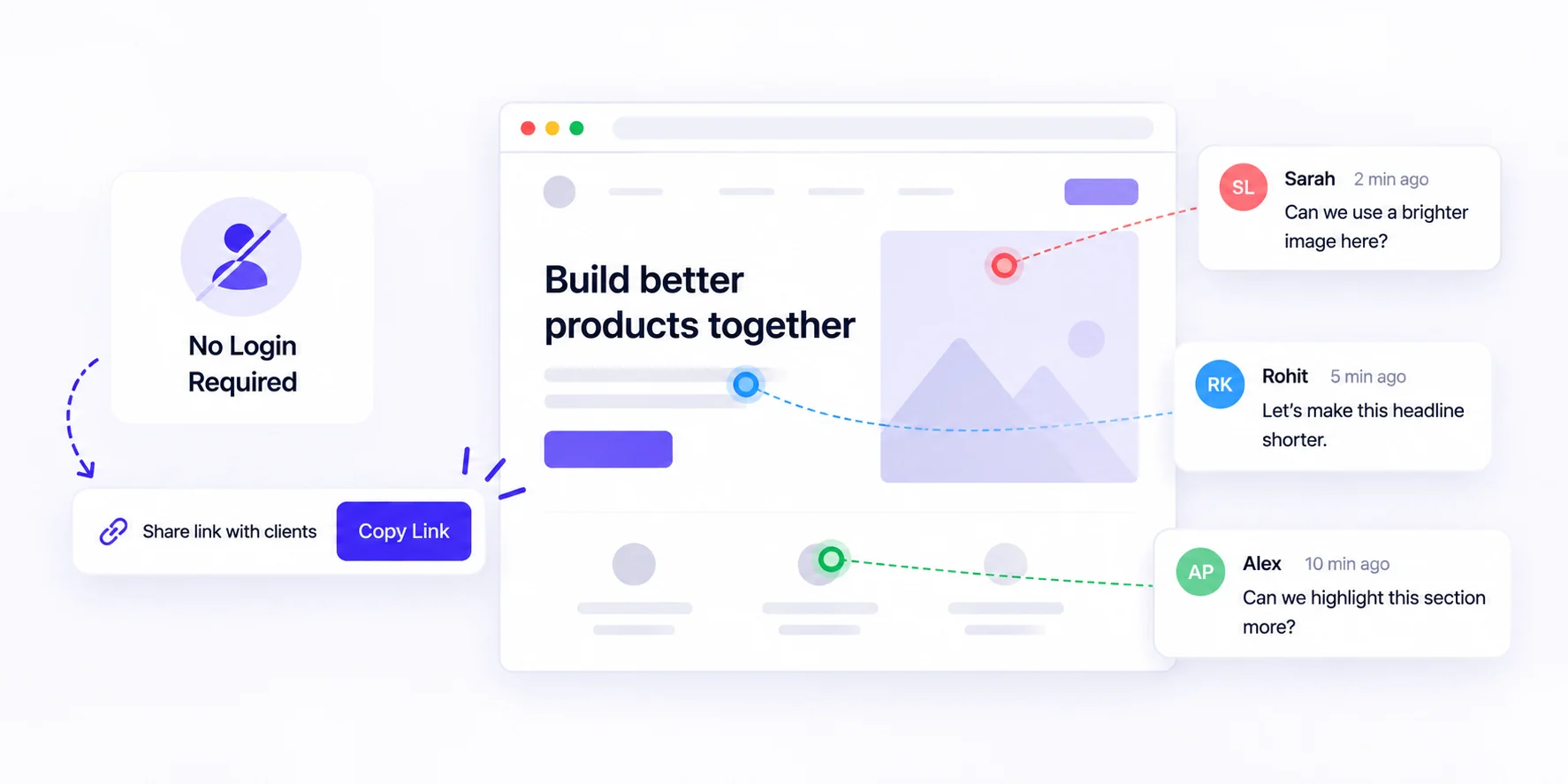
Website feedback tools without login let your clients open one link and pin comments right on a live website. No account, no password, no install. BugSmash, BugHerd, Pastel and Ruttl all offer this. BugSmash adds unlimited guest reviewers on every plan, including Free, so you never pay per client.
- A sign-up screen doesn’t stop feedback. It pushes it back into email, where context gets lost.
- “No login” isn’t one thing. Test what a guest sees in the first 30 seconds.
- BugSmash guests comment on websites, PDFs, videos and more with no account, and the Free plan already includes unlimited guests.
Why Login Walls Quietly Kill Client Feedback
Picture your client opening your review link between two meetings. A sign-up screen pops up. They close the tab and send an email instead: “The banner looks a bit off.”
Now you’re guessing. Which banner? Which page? Desktop or phone?
That’s the real cost of a login. It rarely stops feedback. It just moves it back into email threads, Slack messages and screenshots, where the context gets lost. A no-login tool keeps every comment pinned to the exact spot your client meant.
What “No Login” Really Means: The First-click Test
Here’s the part most comparison posts skip. Every tool in this space says clients don’t need an account, and that’s true. But “no login” covers a range of experiences.
So before you choose, run a first-click test. Open a review link in a private browser window, the way a client would. Then note what happens before your first comment lands:
- Do you need to install a browser extension?
- Do you have to type a name, an email, or both?
- Does the tool quietly create an account and send a welcome email?
- Can you comment on more than websites, like a PDF or a video?
None of these is a deal-breaker. But every extra step is one more chance for a busy client to give up. Pick the tool with the shortest path from link to first comment for your clients.
Website Feedback Tools Without Login Worth Knowing
All four tools below let guests comment without creating an account. The details come from each tool’s own pages as of October 2026.
BugSmash
You share one link, and clients click anywhere on the work to comment, right in their browser. Besides live websites, guests can review PDFs, videos, HTML, designs and mobile apps. Every plan includes unlimited guest reviewers.
BugHerd
A long-standing website feedback tool with a pin-on-page sidebar. Clients can comment from a share link without logging in. Per BugHerd’s help docs, guests add a name and email on their first comment, and a guest account is created in the background. If the site lacks BugHerd’s script, guests may be asked to install the extension. BugSmash vs BugHerd
Pastel
Pastel turns a URL into a shareable “canvas” anyone can comment on with no login. It also handles images, PDFs, video and email. Its Free Forever plan includes one user, one active canvas and unlimited guest reviewers. BugSmash vs Pastel
Ruttl
Ruttl offers guest commenting through a shareable link. Guests type their name and start commenting. It also lets you edit content on the live page and preview sites across devices. BugSmash vs Ruttl
How To Collect No-login Feedback With Bugsmash
Setup takes about a minute. Only you sign up; your clients never do.
- Create a free account. No credit card needed.
- Paste your site’s URL. Staging or live both work, or upload a PDF, video or design file. See supported website platforms.
- Share the review link. Send it by email, Slack or WhatsApp. It opens straight in the browser.
- Let clients click and comment. Each comment sticks to the exact spot, with a screenshot captured automatically.
- Act on the feedback. Assign, prioritise and filter comments. Or let your AI agent read them through the BugSmash MCP and push a fix back for review.
- Keep feedback coming after launch. Add the feedback widget so visitors can report issues from the page itself, no link needed.
Is There A Free Website Feedback Tool Without Login?
Yes. BugSmash’s Free plan never expires, and guest commenting is part of it. Here’s what it includes:
- Unlimited guest reviewers
- 2 projects and 2 team users
- Every project type, from websites to CAD files
- 5 GB of storage
- Annotation tools, versions and version comparison
- MCP access for Claude, Cursor and other AI tools
Free review links are public, though. Private and password-protected links, approval status and integrations start on paid plans. Team is $49/month billed yearly ($69 monthly) with unlimited projects and 10 users, and guests stay unlimited. See pricing.
FAQs
Do clients need an account to comment in BugSmash?
No. You share one link, and clients or guests can view, comment and annotate right away. There’s no signup and nothing to download.
How many clients can I invite?
As many as you like. Every BugSmash plan, including Free, has unlimited guest reviewers. Plan limits only apply to your own team members.
Is a no-login review link safe to share?
On the Free plan, anyone with the link can view and comment. Paid plans add private and password-protected links, plus the option to pause commenting. Files are encrypted in transit and at rest.
Can I collect feedback on more than websites?
Yes. The same no-login link works for PDFs, videos, images, emails, 3D and CAD files, mobile apps and more.
Can an AI agent act on client comments?
Yes. The BugSmash MCP works with Claude, Cursor, Windsurf, ChatGPT and other MCP clients. Your agent can read open comments, make the fix and push a new version back for approval. MCP is available on Free and above.
Conclusion
The best website feedback tools without login make your client’s job one click long. Run the first-click test, check what the free plan really covers, and choose the tool that keeps every comment pinned to the right spot. If you want unlimited guests, more file types and an AI-ready workflow from day one, start free with BugSmash. Your clients won’t need a password, and you won’t need another email thread.



Leave a Reply