
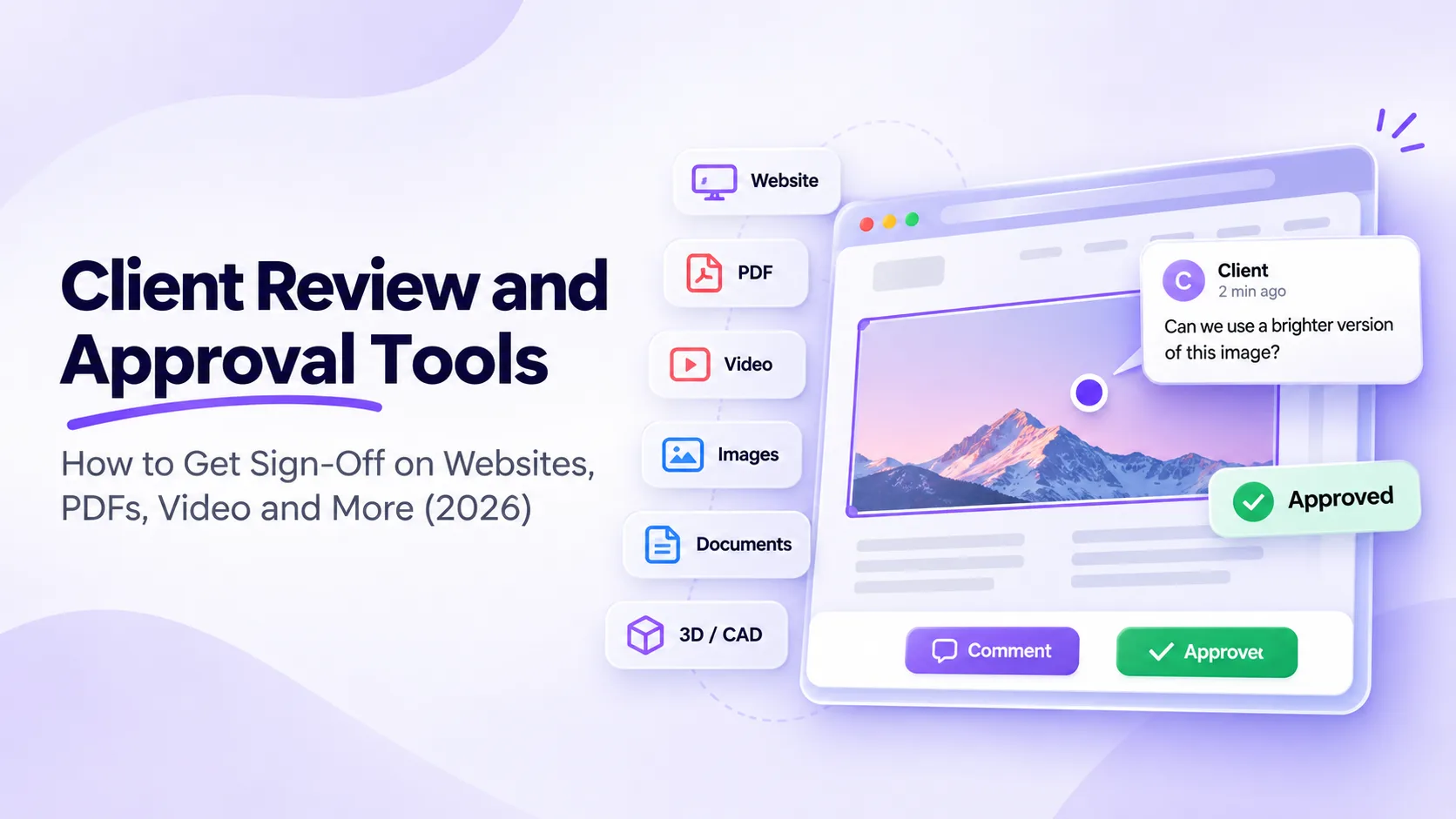
The best client review and approval tools let a client open one link, comment on the exact spot and approve the final version without learning new software. BugSmash covers websites, PDFs, video, images, slide decks, 3D models and CAD drawings in one place. Clients comment as guests with no signup, your team resolves each comment, and the client signs off from the same link.
What should a client review and approval tool do?
Approval rounds tend to stall when feedback is spread across email threads, screenshots and calls, and when someone on your team has to chase the final yes. Whichever tool you pick, check it covers these basics:
- One link per review, whatever the format. Clients shouldn’t get the website one way and the PDF another.
- Guest commenting with no signup, so every stakeholder on the client side can join without an account.
- Comments pinned in context, on the exact spot, page or timestamp they refer to.
- Versions, so the client always reviews the latest round.
- A clear approve step, with an approval status for each file.
- Due dates and reminders, so the follow-up isn’t somebody’s job.
- Your branding, if you’re an agency and want clients to see your name instead of the vendor’s.
How do the common client review and approval tools differ?
Here is how the other tools you are likely to see on a shortlist compare, based on what each one says on its own homepage (checked in October 2026):
Filestage, Ziflow and ReviewStudio are online proofing platforms built around structured approval workflows, with routing and automation, and in the case of Filestage and Ziflow, compliance checks for regulated industries. BugHerd and Marker.io are website feedback tools, and Marker.io also has a strong bug reporting and QA side for developers. Pastel, MarkUp.io and Ruttl cover websites plus files like PDFs and images. Pastel, for example, reviews live websites, images, PDFs and videos from a shared link. BugSmash covers websites, PDFs, video, images, documents, 3D models and CAD drawings from the same kind of link, on flat plans that start free. If your approvals have to pass through several defined stages, a proofing platform may suit you better. Side by side comparisons for each tool are in our comparison guides.
One to one comparisons:
- BugSmash vs Pastel
- BugSmash vs Filestage
- BugSmash vs Ziflow
- BugSmash vs MarkUp.io
- BugSmash vs Ruttl
- BugSmash vs BugHerd
- BugSmash vs Marker.io
What can clients review and approve in BugSmash?
BugSmash takes websites and web apps, HTML builds, video, audio, images, PDFs, PowerPoint and slide decks, Word documents, HTML email campaigns, 3D models, CAD drawings and mobile apps. All of them are available on every plan, including Free, and the client gets the same link, the same comment pin and the same approve step for each one.
Websites and web apps
Paste a URL and send the link. The client clicks anywhere on the page to leave a comment. Public sites, staging builds, single page apps and sites behind a standard username and password login all work, with nothing for the client to install and no script left on your site. Comments can be left on desktop, tablet and mobile viewports, and each one records the browser, OS, viewport size and URL, so developers know exactly what the client saw. For pages behind single sign-on, or with heavy animation or WebGL, use the optional BugSmash widget instead. More on website feedback.
Designs, images, decks, documents, email, 3D and CAD
Upload the file and send the link. Clients pin a comment to a spot on an image, a slide, a page of a Word document or an HTML email, or to a point on a 3D model or CAD drawing. When the next version is ready, upload it and the client sees the latest round. On images, PDFs, slides and documents, version comparison shows what moved. See design feedback and marketing asset approval.
Video and audio
Comments land on the exact moment in a video or the exact second in an audio file, so “the bit near the end” becomes a timestamp your editor can jump to. Video (MP4, MOV) and audio (MP3, WAV) live in the same project as that client’s website and PDFs. More on video and audio review.
PDFs
Brochures, proposals, reports and print proofs get comments pinned to the page itself. Clients can attach a supporting file to a comment and your team replies in the same thread, so the whole discussion stays on the PDF instead of in an email chain.
How do you get client sign-off in five steps?
Here is one approval round in BugSmash, from the first link to the final yes.
- Send one link. Upload the file or paste the URL, then share the review link by email or Slack. The client opens it in a browser.
- Let clients comment as guests. No account and no install. Each comment is pinned to the spot, frame or page it’s about, and can be text, a visual annotation or a file attachment.
- Sort feedback on your side. Assign each comment to a teammate, set a priority, filter by status and reply in the thread. Comments can also go to Slack, Jira, ClickUp, Asana, Monday, Trello, Linear, Notion or Airtable, and you can keep a comment private when it’s for your team only.
- Share the next version. The client always reviews the latest one. On images, PDFs, slides, documents and video, version comparison shows what changed since the last round.
- Get the approval. The client approves right in BugSmash, which moves the project from feedback to finished. Each file shows its approval status, and a due date per review lets automated reminders chase the sign-off for you. Once the round is closed, you can pause commenting.
For the full walkthrough and feature list, see client review and approval in BugSmash.
Which extras are worth having?
- Agency branding. On Team, review links carry your name and logo on a branded subdomain. On Agency, reviews are white-label on your own domain and notifications come from your own email (CNAME and SMTP).
- A friendlier first look for clients. Choose the review interface language for each client and add a welcome note they see when they open the link.
- An AI check before you send. One or more AI reviewers can scan the work for accessibility, UI and UX issues, typos and broken links, so the client isn’t the one who finds them.
- AI agents that act on feedback. A hosted MCP server with 27 tools comes with every plan, including Free. Connect Claude, Cursor, Codex, ChatGPT, Windsurf, Cline or Zed, and your assistant can read open client comments, reply, update their status and push the next version back for approval. Sign-in uses OAuth 2.1, so it only reaches what you can already see. How the MCP server works.
What does client review and approval cost in BugSmash?
You don’t pay per reviewer. Guests are unlimited on every plan. The Free plan has 2 projects, 2 users, every format and MCP, with no time limit and no card needed. Client approval, due dates and reminders start on Starter, at $19 a month billed yearly ($25 billed monthly) with 30 active projects. Team is $49 a month billed yearly ($69 billed monthly) with unlimited projects and 10 users. Agency is $99 a month billed yearly ($129 billed monthly) with 25 users, white-label reviews and API access. Each paid plan has a 14-day free trial. Compare all plans.
Client review and approval tools: FAQ
Which client review and approval tool is best for websites and creative work?
That depends on what your clients review. When one client signs off on a live website plus PDFs, video, images, slide decks, 3D models or CAD drawings, BugSmash handles all of them from one link, with guest comments and no signup. For website feedback and bug reports alone, BugHerd or Marker.io are worth a look. For approvals that pass through several defined stages, consider Filestage or Ziflow.
Can clients review and approve work without an account?
Yes. On public and password-protected links, clients open the review link in their browser and comment as guests, with no signup, download or browser extension. On password-protected links they can also approve with just their email. Guests are unlimited on every plan, so every stakeholder can join. On a private project, invited clients sign up with the email address the invite went to.
Can clients approve PDFs, videos and images, not just websites?
Yes. BugSmash handles websites and web apps, HTML builds, video, audio, images, PDFs, slide decks, Word documents, HTML email campaigns, 3D models, CAD drawings and mobile apps. Clients pin comments to the exact spot, page or video timestamp, then approve the version, and every file shows its approval status. All of these formats are available on every plan, including Free.
How do due dates and approval reminders work?
You set a due date for each review in BugSmash, and automated reminders go out ahead of it, so your team doesn’t have to chase clients by email. Each file also shows an approval status, which makes it easy to see what is approved and what is still pending before the deadline arrives.
How is BugSmash different from Pastel, MarkUp.io, Ruttl, Filestage and ReviewStudio?
Pastel, MarkUp.io and Ruttl cover websites plus files like PDFs and images, and Pastel also reviews videos. Filestage and ReviewStudio are proofing platforms built around structured approval workflows. BugSmash covers websites, video, audio, PDFs, slides, documents, email, 3D, CAD and mobile apps from one link, with a Free plan, flat paid plans and MCP for AI agents on every plan.
How much do client review and approval tools cost for an agency?
BugSmash starts with a Free plan. Paid plans are Starter at $19, Team at $49 and Agency at $99 a month billed yearly, or $25, $69 and $129 billed monthly. Team includes 10 users, and Agency includes 25 users plus white-label reviews on your own domain. Guests are unlimited on every plan, so client reviewers never raise the price.
Can I put my agency’s brand on client reviews?
Yes. On the BugSmash Team plan, review links show your name and logo on a branded subdomain. On the Agency plan, at $99 a month billed yearly or $129 billed monthly, reviews run on your own domain and notifications come from your own email through SMTP, so the only brand your clients see is your agency’s.
Can an AI agent act on client feedback?
Yes. BugSmash runs a hosted MCP server with 27 tools on every plan, including Free. Connect Claude, Cursor, ChatGPT or another MCP client, and the assistant can read open client comments, reply in the thread, change comment status and add a new version for the client to review. Sign-in uses OAuth 2.1, and the assistant only reaches what you can see.
Try it on your next approval round
The Free plan has no time limit and needs no credit card. Your clients don’t sign up to comment. See plans and start free.



Leave a Reply