Publish and paste
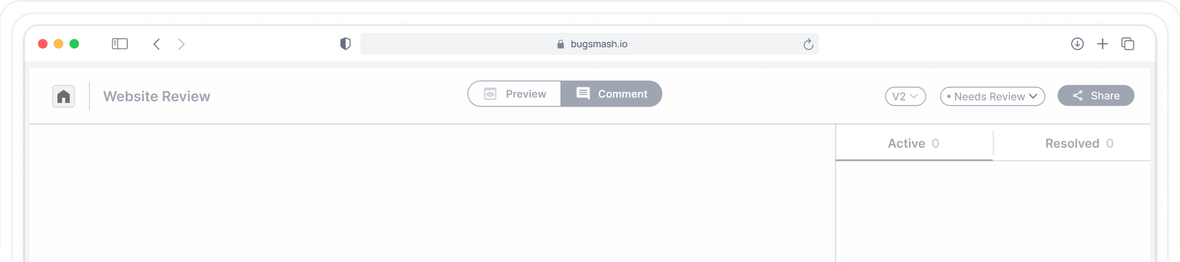
Publish to your .wixsite.com address or your custom domain and paste the URL into BugSmash.

Paste the URL, send one link. Your client comments on the published site rather than an editor preview, and the link does not expire halfway through the round.


Loved by1,250+Agenciesand companies in 100+ countries
Wix has a real client feedback feature in both the Editor and Studio. Share a link, the client comments on areas of the site, you resolve them while you work. For a single build round inside Wix it is a good tool. Three things limit it.
A client who goes quiet for a fortnight, which is most clients, comes back to a dead link.
Post-launch issues, live performance and anything a real visitor experiences are outside it.
When the site moves, or the client takes the account over, the feedback history goes with it. And it covers the site only, not the deck, the PDF, the video or the ads.
 BugSmash reviews the published site, with a link that stays live as long as the project does,
How it works
Publish to your .wixsite.com address or your custom domain and paste the URL into BugSmash.
Your client opens it in their own browser. No Wix account and no BugSmash account.
Every comment carries the page, the element, the browser and a screenshot.
Comments attach to the thing on the page, so "this heading" is unambiguous without a marked-up JPEG in an email.
Desktop, tablet and mobile in the same link. Responsive is most of the job on a Webflow build, so a desktop-only review is half a review.
Blog posts, case studies, product templates. Each published Collection page is a URL, so each one is reviewable.
Every comment records what the reviewer was on. No follow-up thread to work out why you cannot reproduce it.
Republish, add a new version, and compare against what the client signed off on last round.
Who approved, on which version, on what date. That record stays with you, not with the Webflow site.
The review window loads the page in a real browser session, so anything you can sign in to yourself, you can sign in to here. Nothing is handed over to BugSmash and no credentials are stored.
| Your URL | Review by URL | What to do |
|---|---|---|
| Free site at username.wixsite.com/sitename | Works | Paste and go. |
| Premium site on a custom domain | Works | Paste and go. |
| Password-protected page | Works | It is a form, so you enter it inside the review window. |
| Members Area with email and password login | Works | Sign in inside the review window. |
| Members Area using social login only | Not supported | Install the Feedback Widget. |
| Heavy Wix animation and video backgrounds | Renders, fidelity varies | Install the Feedback Widget. |
One script through Custom Code in your site settings, which requires a Premium plan. Remove it when the review round is finished.
From agency portfolios to post-launch updates, give teams one place to review the published site without entering the editor.

Review across a portfolio of client sites in one workspace rather than one feedback thread per site.
See how
Get a partner or a consultant to mark up the live site without touching your Wix account.
See how
Post-launch change requests on a site you built months ago, without reopening the editor to collect them.
See howMore platforms
Read the published workflow guide for another website builder, CMS, framework or AI site platform.
A comment on the hero section becomes a ticket with the URL, the element, the screenshot and the browser already attached.
Context stays attached from comment to completion.
Send to your workflow
The destination changes. The context does not.
 Jira
 ClickUp
 Monday
 Asana
 Trello
 Slack
 Linear
 Todoist
 Notion
 Airtable
 Zapier
 Make
 n8n
 Webhooks
A Webflow launch is rarely only a Webflow launch. The same project holds the pitch deck, the brand PDF, the launch video, the ad creative, the email template and the mobile build, each reviewed the same way, each on the same approval record.
Wix feedback shows the last saved editor version and the shareable link is valid for two weeks. BugSmash reviews the published site, keeps the link live for the life of the project, and holds the record outside the Wix account.
Paste your Wix URL and send the first review link in under a minute.